Adding Web Link Attachments


Web Link Attachments
The Attach Web Link option is used to add a link to a web page as an attachment to a specific customer, supplier, stock/product record or transaction.
You access this option by clicking the Attach Web Link button on the Attachments window.
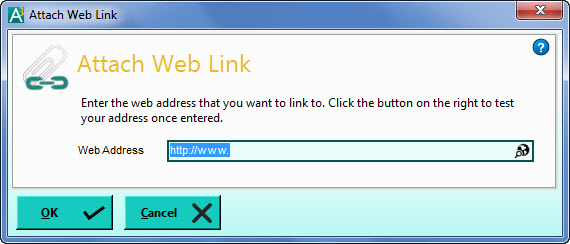
Enter the address of the web page you want to link to into the Web Address box.
Once entered you can test the link by clicking on the lookup button on the right of the Web Address box. This will open up your default web browser and load the page from the address (URL) that you have entered. When you are happy that the link works you can click OK to add it as an attachment to the record.