Company Details


Company Details
The Company Details option in Company Preferences enables you to edit the basic information about a company including it's name, address, telephone number and email address.
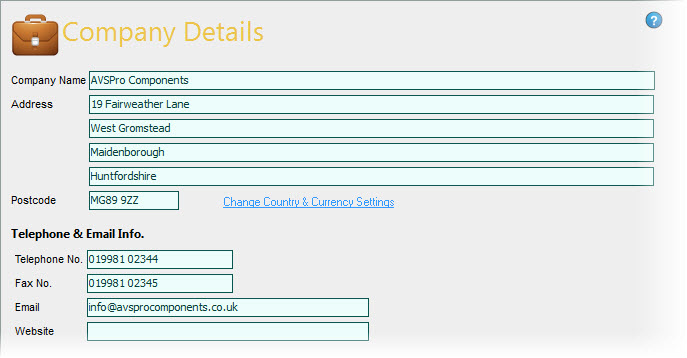
The details you define in this option is be used as the default for printing on invoices* and statements etc.
Next to the Postcode you will notice a link to Change Country & Currency Settings. Click this link if you want to change the currency symbol which is used in the software and any other country-specific details such as the terminology for sales tax ie VAT, GST etc.
For more information on the Change Country & Currency Settings option click here.