Currency & Country Settings


Country & Currency Settings
This option is used to define settings for a company which are specific to the country it operates in. This includes the currency symbol it uses ie £, $, € (or none at all) and also the terminology you want the company to use for sales tax ie VAT, GST etc.
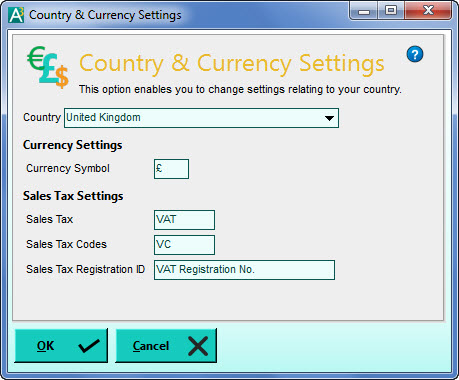
When you click the arrow button for the Country box you will see a list countries which have pre-determined settings. If your country is not included in this list simply select the Other option and fill in the settings boxes manually.
If you do not want to see a currency symbol when working with the software simply leave the Currency Symbol box empty.
Please note : When you click OK to confirm your changes you must then click one of the Save buttons in the Company Preferences window (from where you called this option) in order to finally save your changes,